- Published on
Ubuntu22.04 Initialization Settings (Static IP and Modify SSH Port Number)
- Reading time
- 1 分钟
- Page view
- -
- Author

- Name
- Yicong
- Github
Recently, when setting up the MC server, errors often occur. In order to control variables and troubleshoot environmental problems, Ubuntu needs to be reinstalled frequently. After installation, the server IP needs to be fixed, the SSH port number needs to be modified, etc., which are recorded here for reference
Set static IP
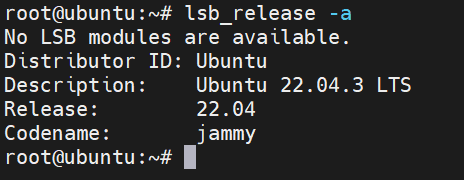
First check the system information
lsb_release -a
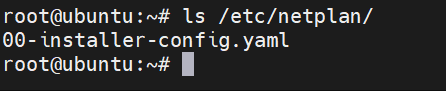
View the configuration file
ls /etc/netplan/
Edit File
vi /etc/netplan/00-installer-config.yaml
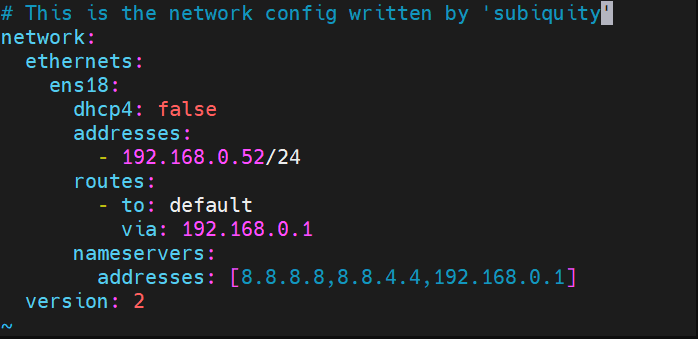
Pay attention to the indentation format
# This is the network config written by 'subiquity'
network:
  ethernets:
    ens18:                                        # 网卡名
      dhcp4: false                                # 关闭dhcp
      addresses:
        - 192.168.0.52/24                         # 本机IP地址及子网掩码
      routes:
        - to: default
          via: 192.168.0.1                        # 网关地址
      nameservers:
        addresses: [8.8.8.8,8.8.4.4,192.168.0.1]  # DNS服务器地址
  version: 2
Save after editing and apply the configuration file
netplan apply
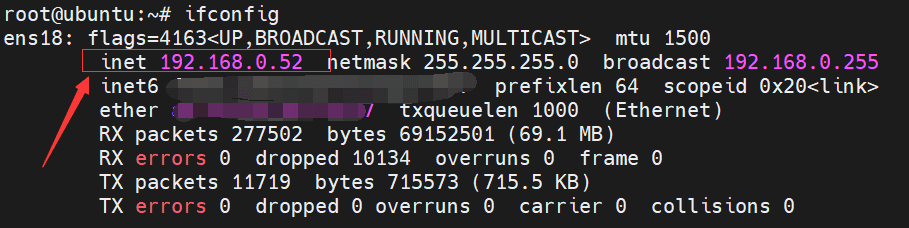
Verify the modification
ifconfig
Modify the SSH port number
The default port number for ssh connection is 22. Using the default port is easy to be scanned and attacked. It is recommended to change it to another port
Edit the configuration file
vi /etc/ssh/sshd_config
Port 22 of the 22.04 version is commented out by default. Add a line below, where 12222 is the port number you want to use
Port 12222
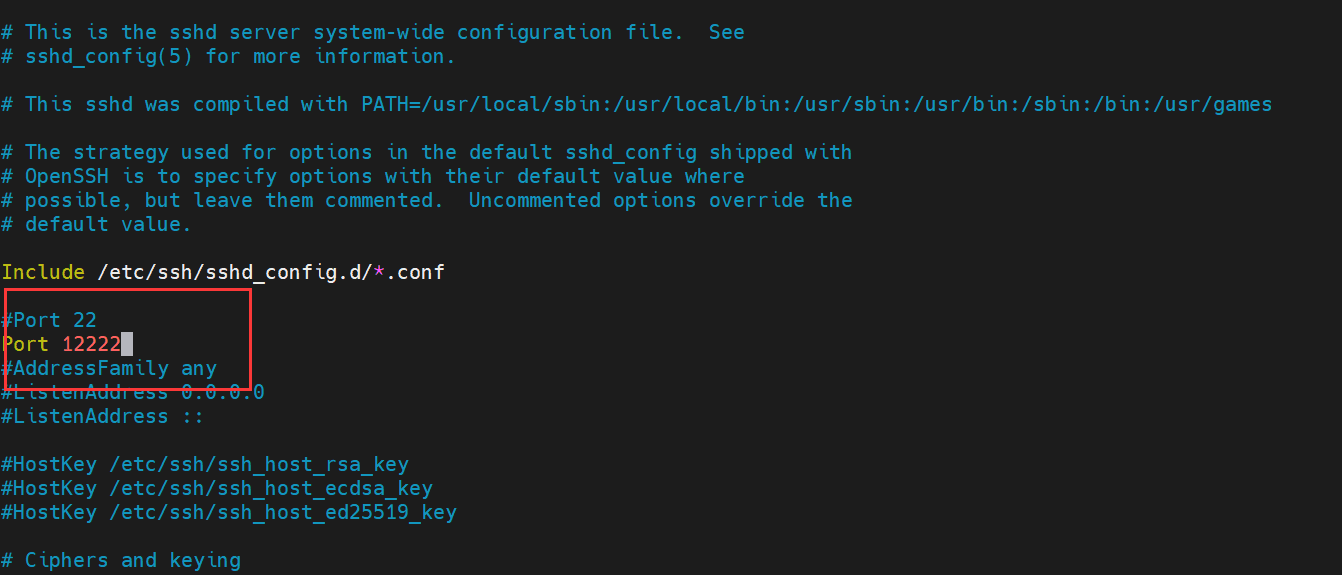
Save and exit and restart the service
systemctl restart sshd
It should be noted that the firewall needs to allow the corresponding port
# If ufw is used
ufw allow 12222/tcp

# If iptables is used, iptables needs to be persistent, otherwise the rules will become invalid when the next restart
iptables -I INPUT -p tcp --dport 12222 -j ACCEPT